Self-hosted Sentry is not supported.
Data sync
Unblocked syncs issues from your selected Sentry projects every 15 minutes, so new and updated issues appear in answers shortly after they change in Sentry.Connect Sentry
1
Connect Sentry
In the Unblocked sidebar, click Settings, then Data Sources, then Connect another data source. Scroll to the Incident Management section and select Sentry.
2
Create an Auth Token
In Sentry, go to User Auth Tokens and click Create New Token.Select the following read-only scopes:
org:readproject:readevent:read
3
Paste your token into Unblocked
Paste the token into Unblocked, then click Next.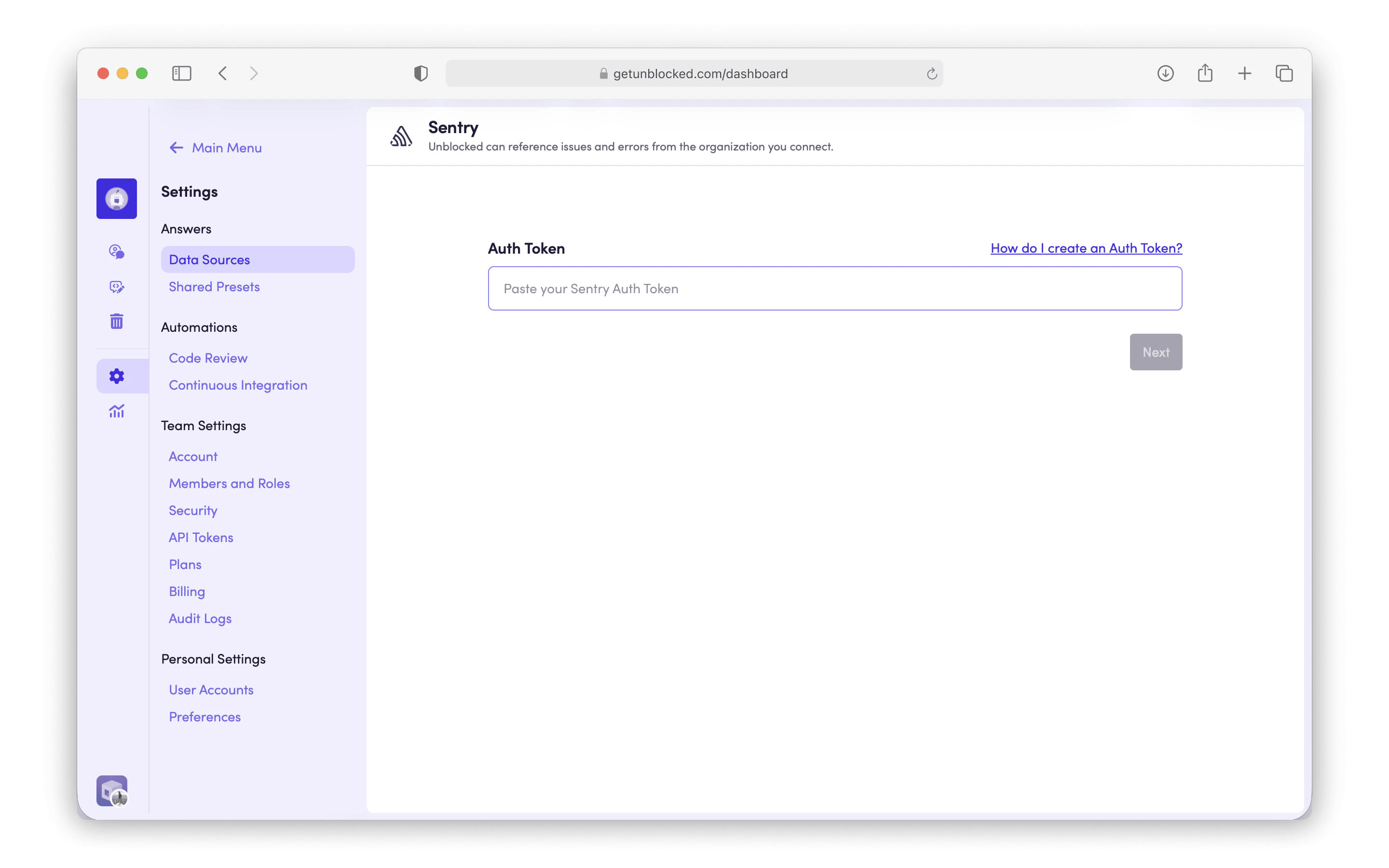
4
Select your organization
Select the Sentry organization you’d like to connect to Unblocked, then click Connect.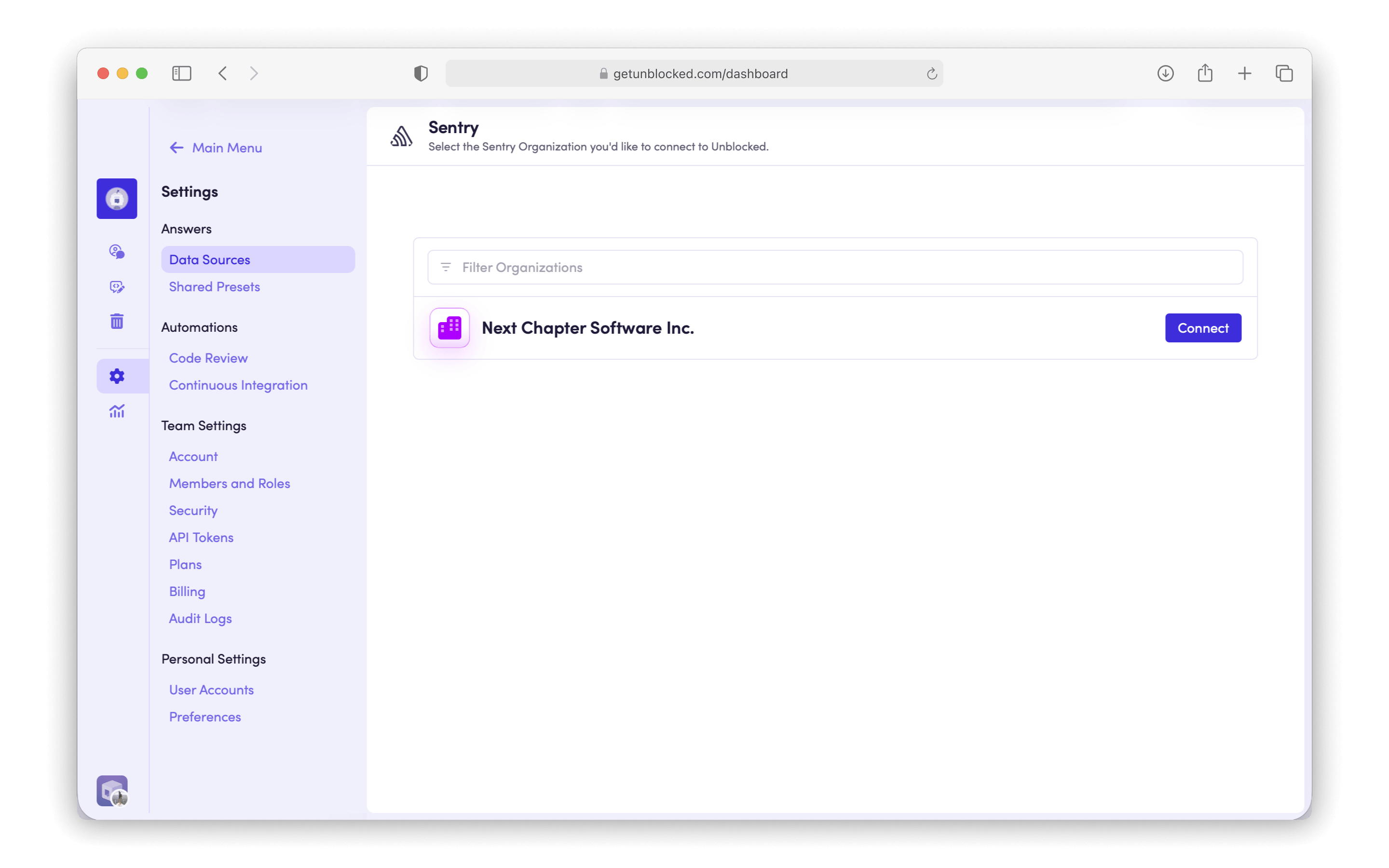
5
Select your projects
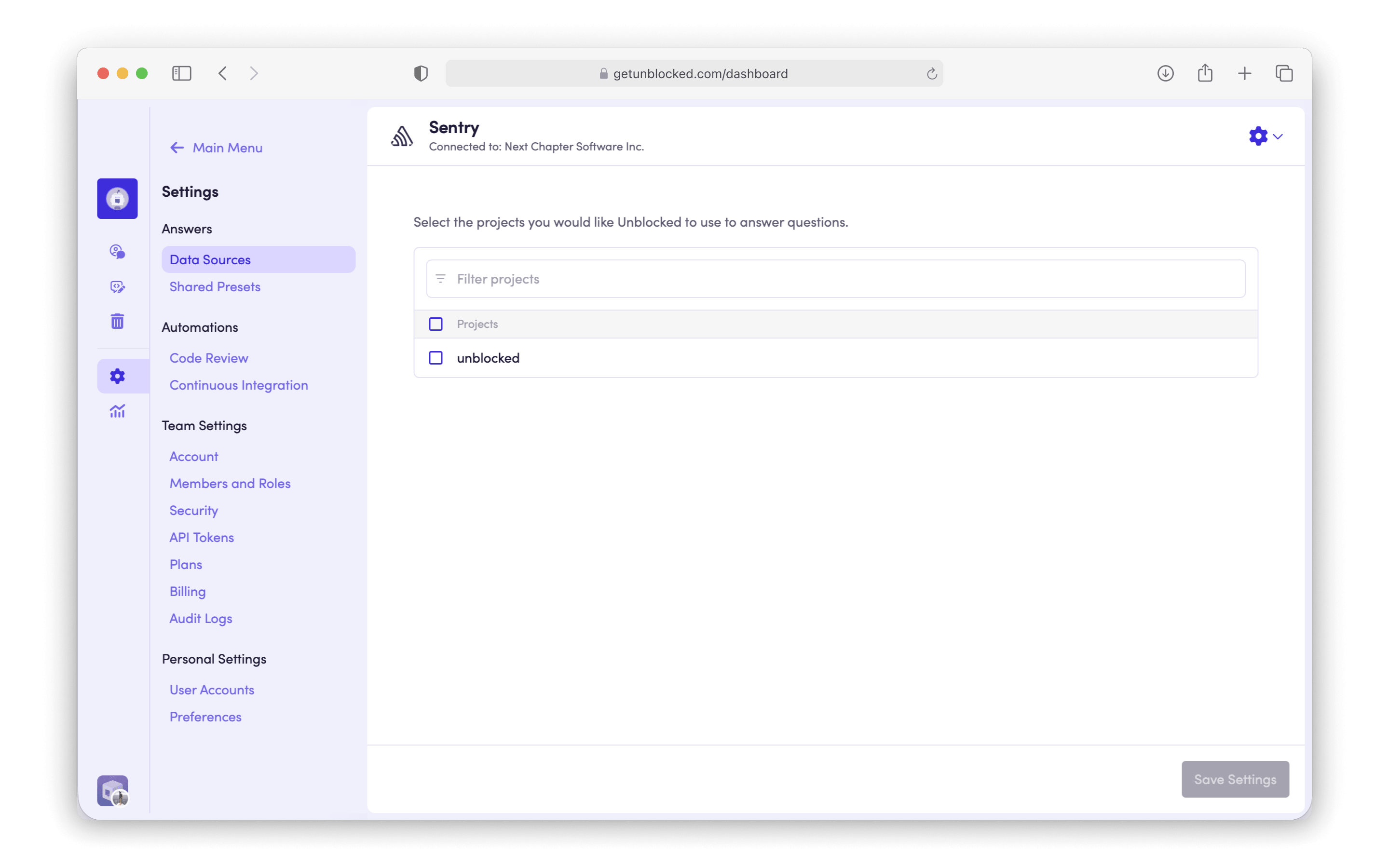
Select the projects you’d like Unblocked to index, then click Save Settings.