

How it works
Every time Unblocked runs a code review on a pull request, it also runs a risk assessment. Unblocked reads the risk policy file that you define from your repository and checks the PR changes against each policy. It then adds a report with a risk score —lowest, low, medium, high, or highest — and an explanation for the score.
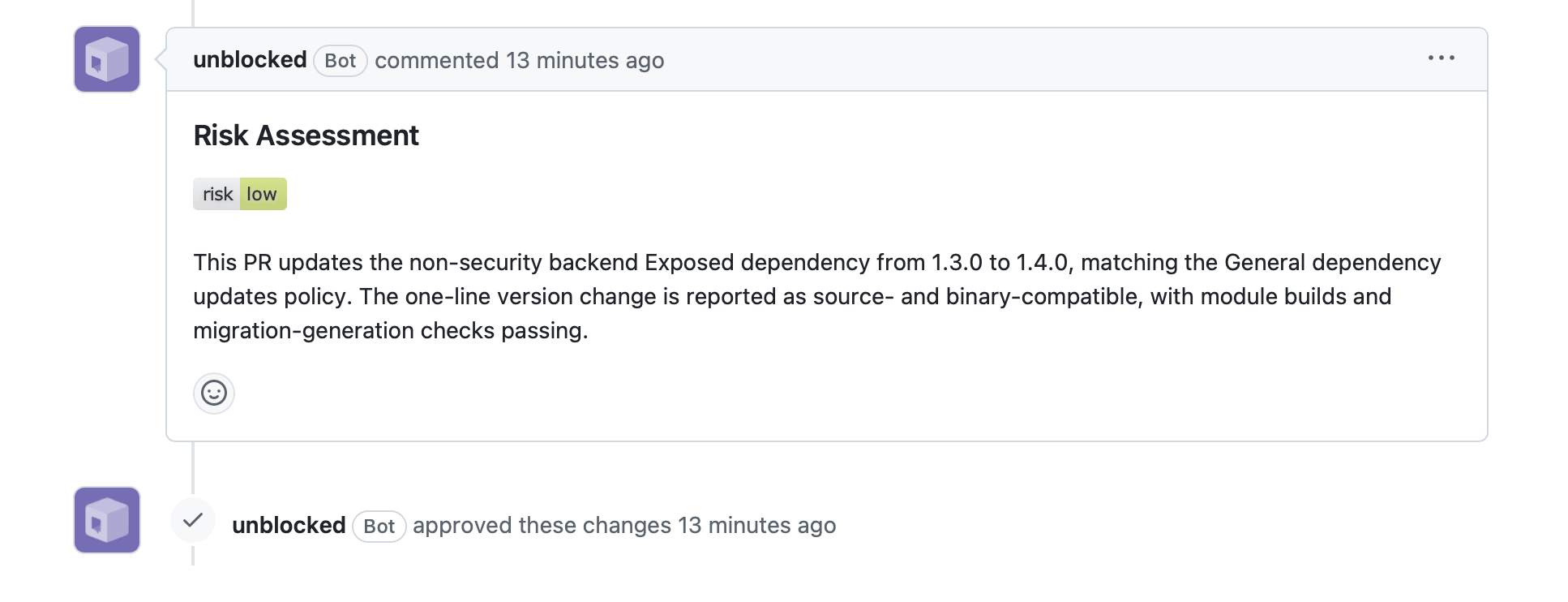
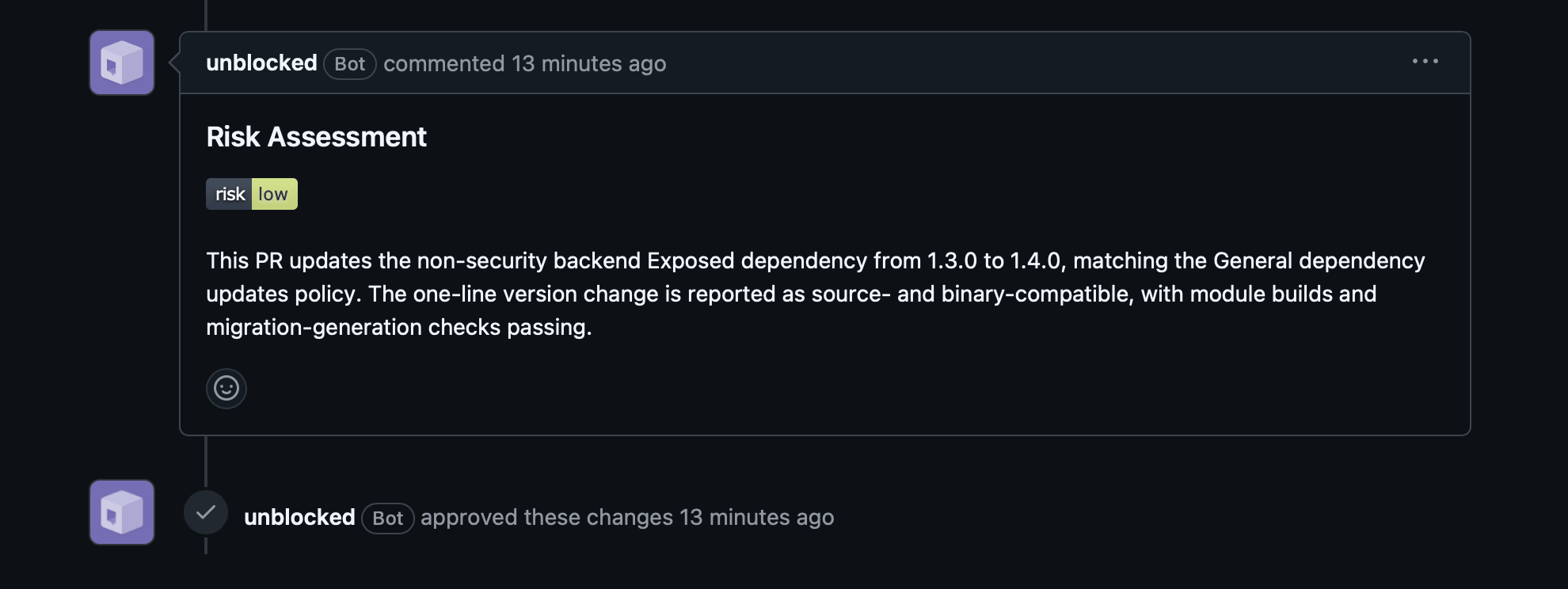
low or lowest and the code review finds no issues.
Otherwise, Unblocked just posts the report so reviewers can see what needs attention.
When Unblocked re-reviews a PR, it reruns the risk assessment on the entire PR and updates the existing risk assessment comment with the new result.
Unblocked uses the policy from the default branch, not policy changes proposed by PRs.
This keeps the risk score tied to the rules your team has already accepted.
Risk labels
On GitHub and GitHub Enterprise, Unblocked also adds a label to each PR that reflects its current risk score:risk: lowest, risk: low, risk: medium, risk: high, or risk: highest.
Labeling is best effort — the matching label must already exist in the repository for Unblocked to apply it.
Setup
Risk assessment is enabled per repository. To turn it on for a repository, add a policy file that describes which kinds of changes your team considers risky. For the best results, review and tune the file before committing, whether you write it yourself or ask Unblocked for a draft.1
Create a risk policy file
Create Unblocked uses the repository and relevant connected context, such as past incidents, team discussions, and shared memories, to return a YAML draft that follows the required schema.
.unblocked/risk-policies.yaml in the root of your Git repository, using the guidance and examples and policy file schema below.If you are unsure which risks to include, ask Unblocked to draft a new policy or improve an existing one:2
Review and tune the policy file
Review every policy and risk level. An Unblocked-generated policy is a starting point based on the context available to it, so ask Unblocked for changes or edit the YAML until it matches how your team thinks about risk.
3
Commit the policy file
If Unblocked generated the policy, copy the YAML into
.unblocked/risk-policies.yaml. Commit and push the file to the default branch.Writing effective policies
Unblocked can reason about common software risks from the change itself. Use policies to provide context it cannot infer, such as critical components, irreversible workflows, coordination requirements, or risks learned from past incidents. Broad policies can match routine work and produce consistently conservative scores. Add them only when they reflect an intentional team standard. For example:- Too broad:
Database schema changes are high risk. - More useful:
Changes to the ledger_entries schema are highest risk because settled entries cannot be repaired automatically.
context section.