> ## Documentation Index
> Fetch the complete documentation index at: https://docs.getunblocked.com/llms.txt
> Use this file to discover all available pages before exploring further.
# On the Web
> How to set up Unblocked in your browser
Unblocked is available to use on any platform through the web at [getunblocked.com](https://www.getunblocked.com). To get started, you need to sign in with your source code system, [connect your repositories](/connecting-source-code), [configure data sources](/configuring-data-sources) with your tools, and [invite your team](/inviting-users).
All of the functionality for [asking Unblocked questions](/unblocked-chat/asking-questions) is accessible, along with other configuration options for you and your team. If you'd like to learn how to use Unblocked, learning about [Unblocked Chat](/unblocked-chat/chat-overview) is a great start.
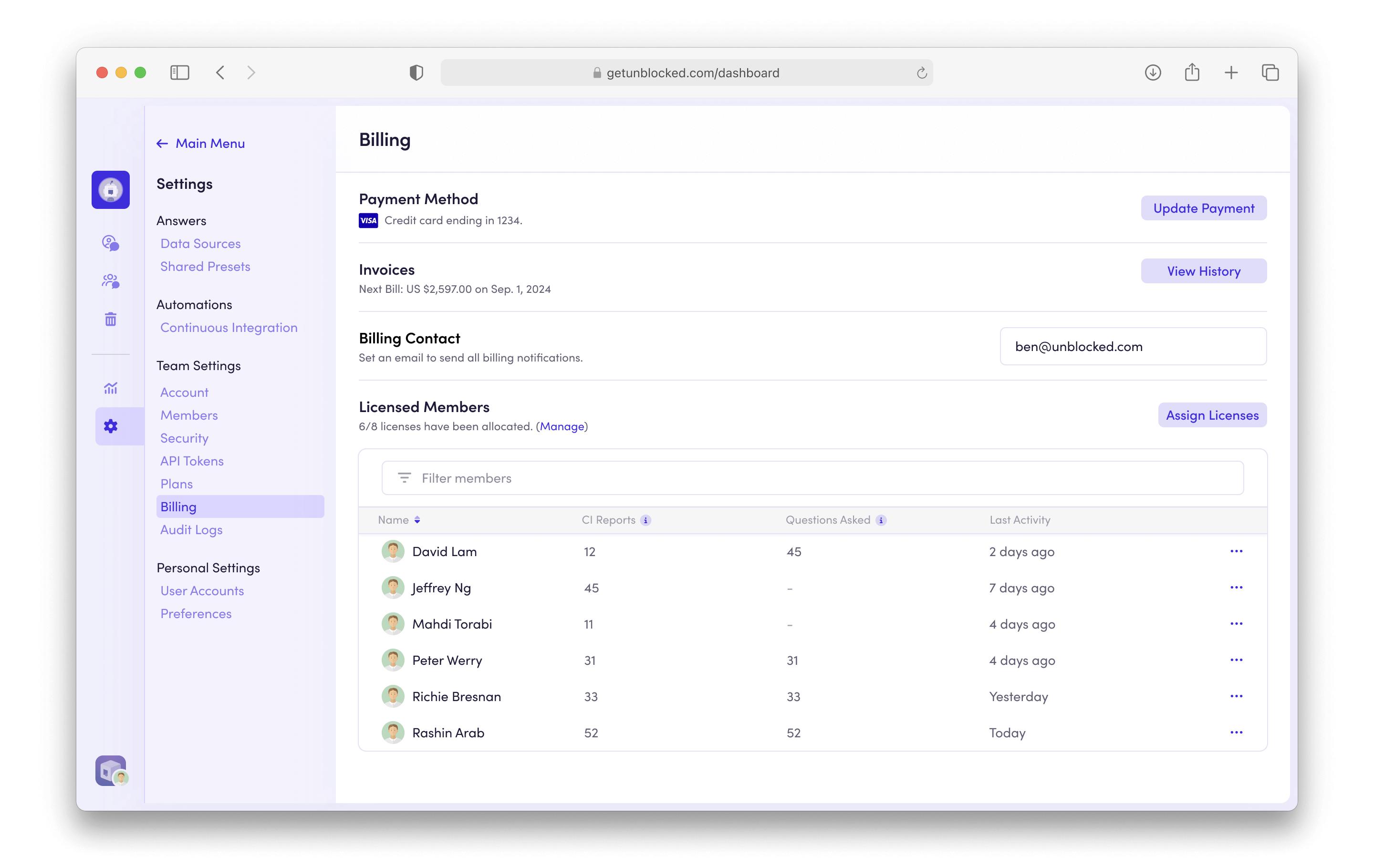
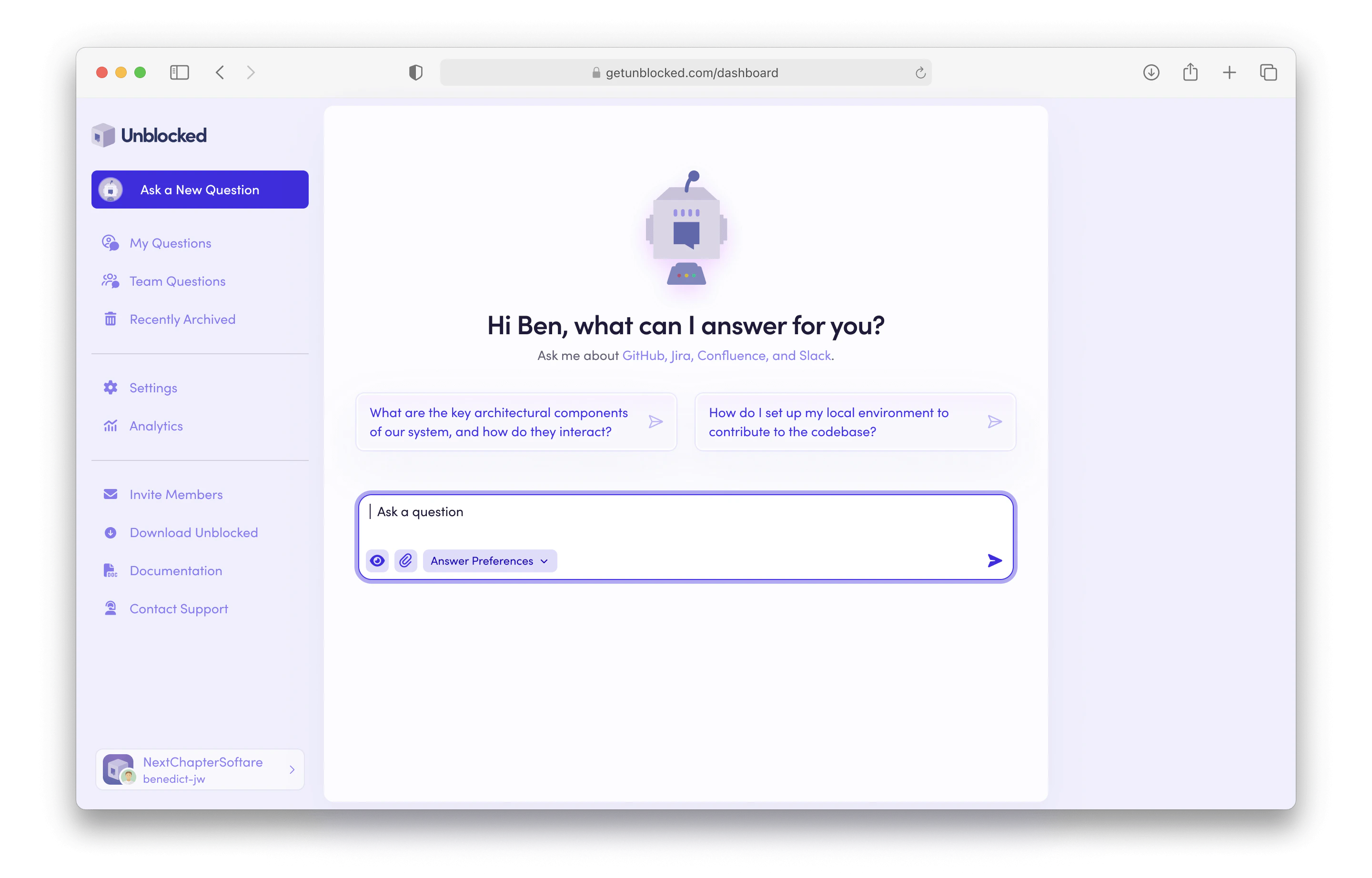 In addition to the primary use case for Unblocked — asking questions and getting answers about your code — the web interface is where you can [configure data sources](/configuring-data-sources) with the tools your team uses. You can also configure your [User Preferences](/user-settings/connecting-accounts), [Admin Settings](/team-settings/role-based-access) and [manage billing](/billing/billing-admin) on the web.
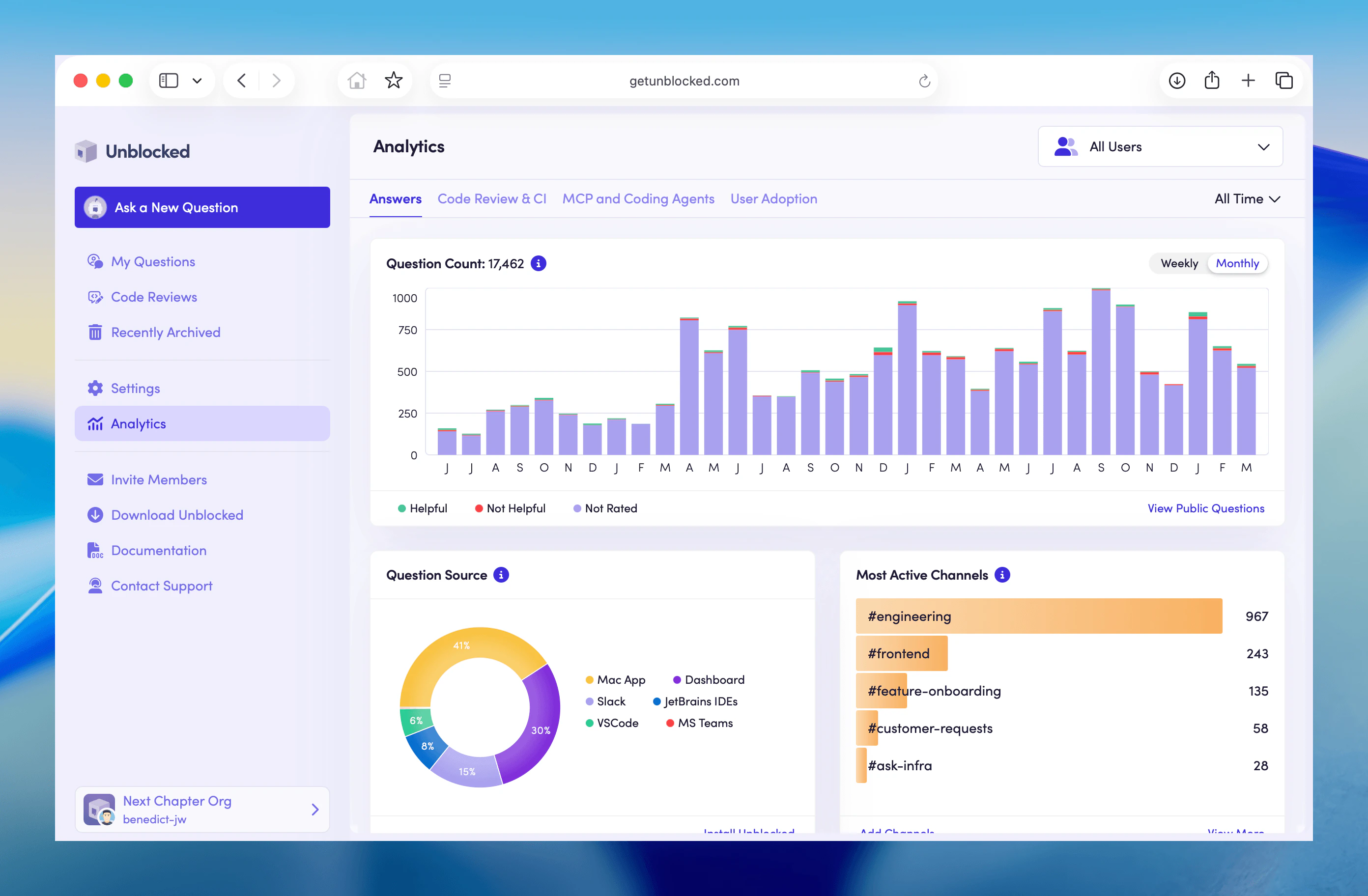
 You can also understand how your team is using Unblocked on the [Analytics](/team-settings/analytics) page. Here you can see statistics about your Unblocked account.