> ## Documentation Index
> Fetch the complete documentation index at: https://docs.getunblocked.com/llms.txt
> Use this file to discover all available pages before exploring further.
# Managing Notifications
> How to manage the notifications Unblocked sends you
## Configure Email Address
When you sign up to use Unblocked, a default email address is preselected to receive email notifications.
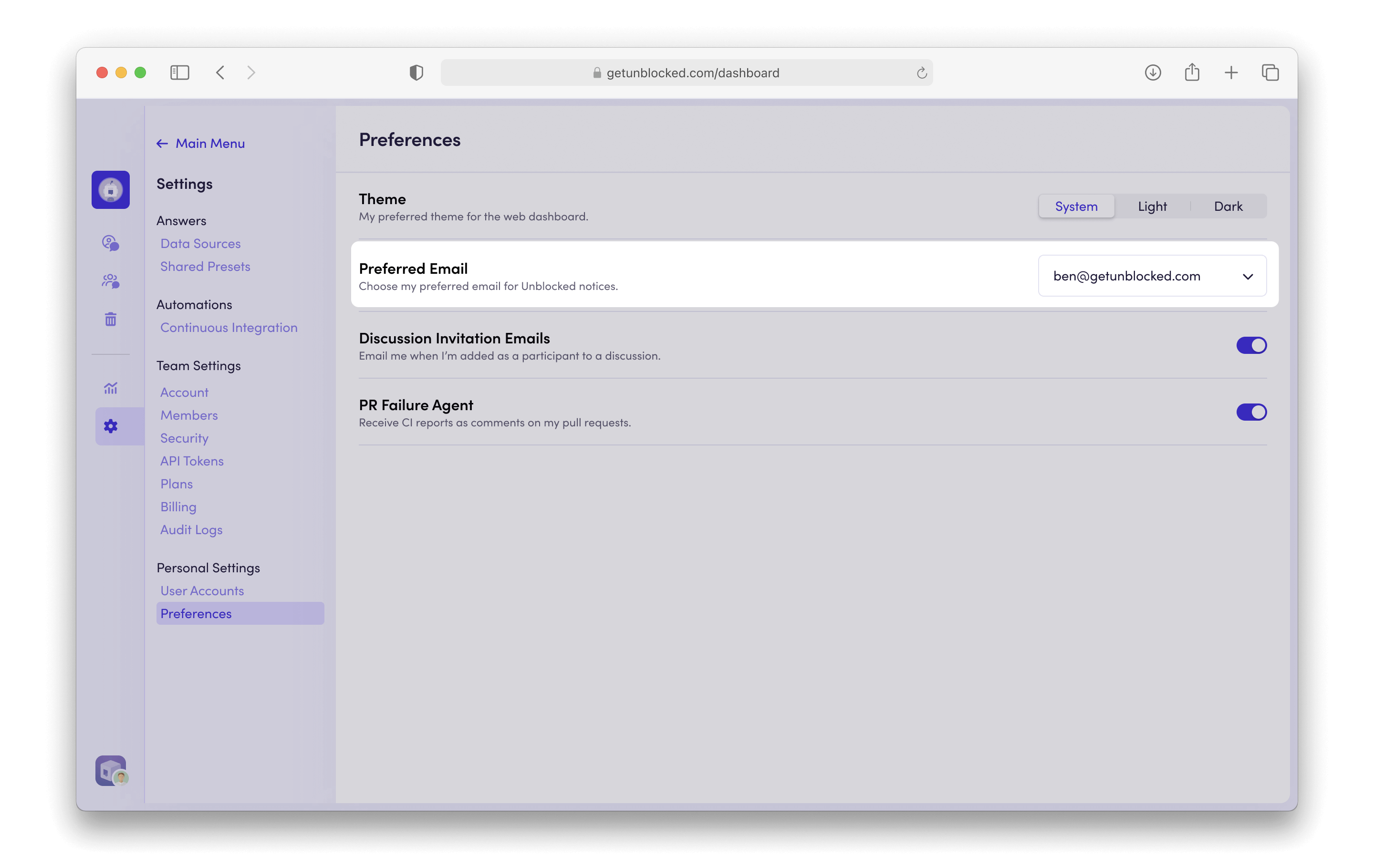
To change your preferred email address for notifications, navigate to **Settings**, then select **Preferences** under the Personal Settings section. From there, you can choose your preferred email address for Unblocked notifications out of the list of detected addresses.
 ## Email Notifications
Unblocked can send email notifications when a teammate mentions you in a discussion or replies to one of your Unblocked question threads.
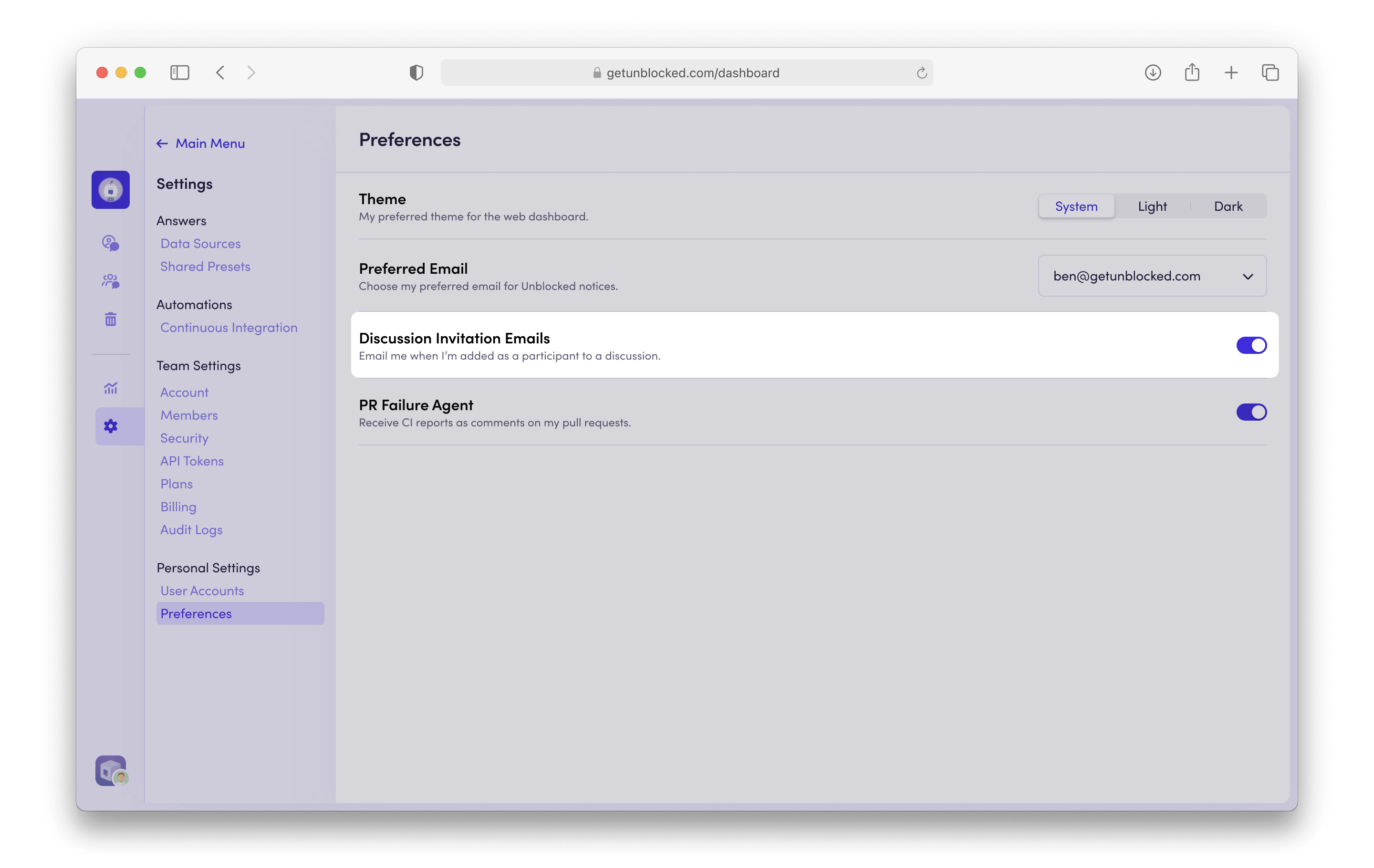
To enable or disable email notifications, navigate to **Settings**, then select **Preferences** under the Personal Settings section. From there, select whether you want to be notified by email.
## Email Notifications
Unblocked can send email notifications when a teammate mentions you in a discussion or replies to one of your Unblocked question threads.
To enable or disable email notifications, navigate to **Settings**, then select **Preferences** under the Personal Settings section. From there, select whether you want to be notified by email.
 ## Mac App Notifications
If you've [installed the Mac app](/using-unblocked/on-your-mac), Unblocked will send you a push notification whenever somebody updates one of your discussions.
To disable these notifications, go to the **Notifications** tab of System Settings on your Mac.
## Mac App Notifications
If you've [installed the Mac app](/using-unblocked/on-your-mac), Unblocked will send you a push notification whenever somebody updates one of your discussions.
To disable these notifications, go to the **Notifications** tab of System Settings on your Mac.