> ## Documentation Index
> Fetch the complete documentation index at: https://docs.getunblocked.com/llms.txt
> Use this file to discover all available pages before exploring further.
# Managing Appearance
> How to configure your preferred theme when using Unblocked
Unblocked is built to be viewed in both light and dark themes. By default, all Unblocked apps follow the default system theme, but users can additionally configure their preferred theme with the Unblocked settings.
## Web App
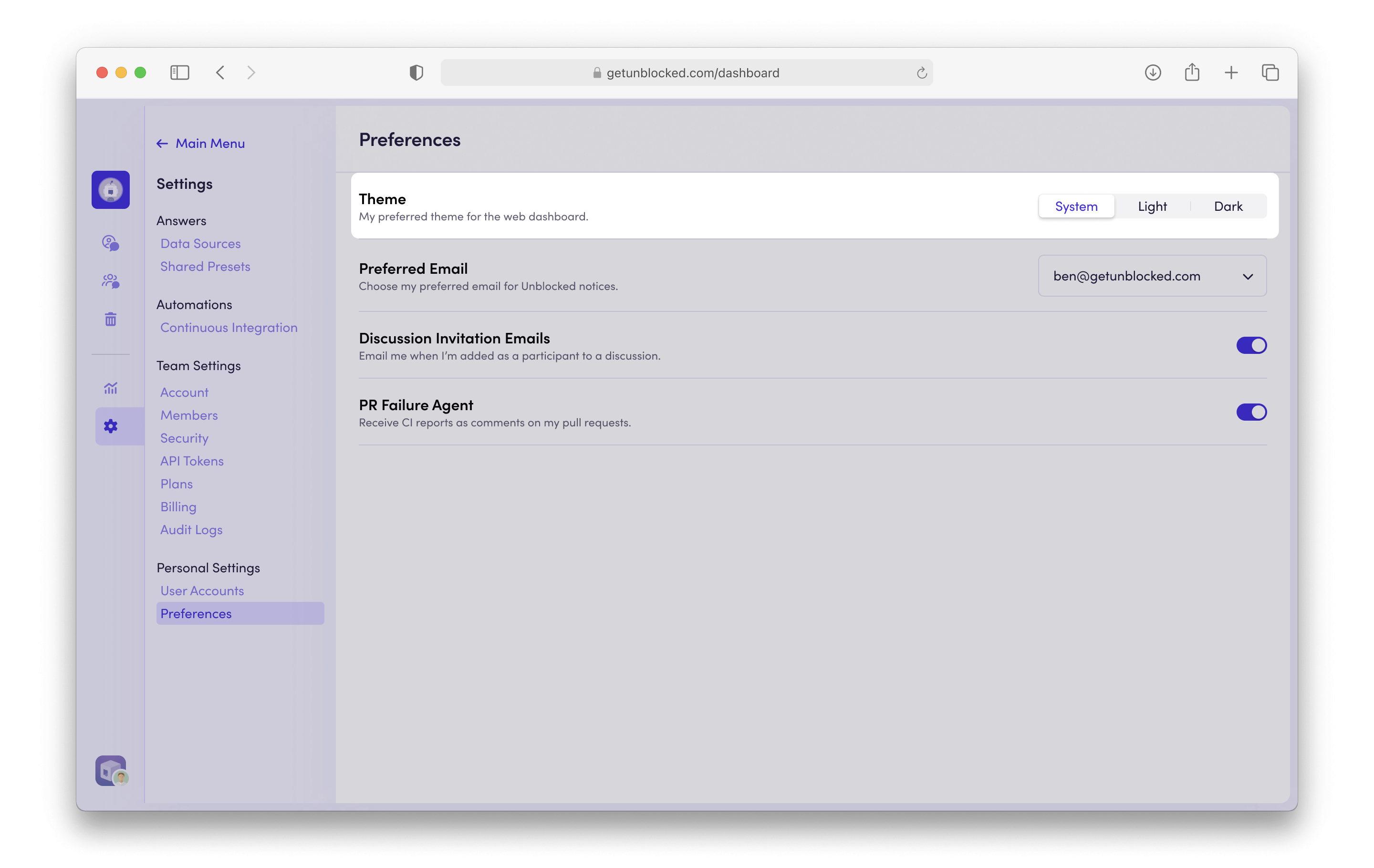
To configure the appearance of the [Unblocked web app](/using-unblocked/on-the-web), navigate to **Settings**, then select **Preferences** under the Personal Settings section. From there, select your preferred theme.
 ## Mac App
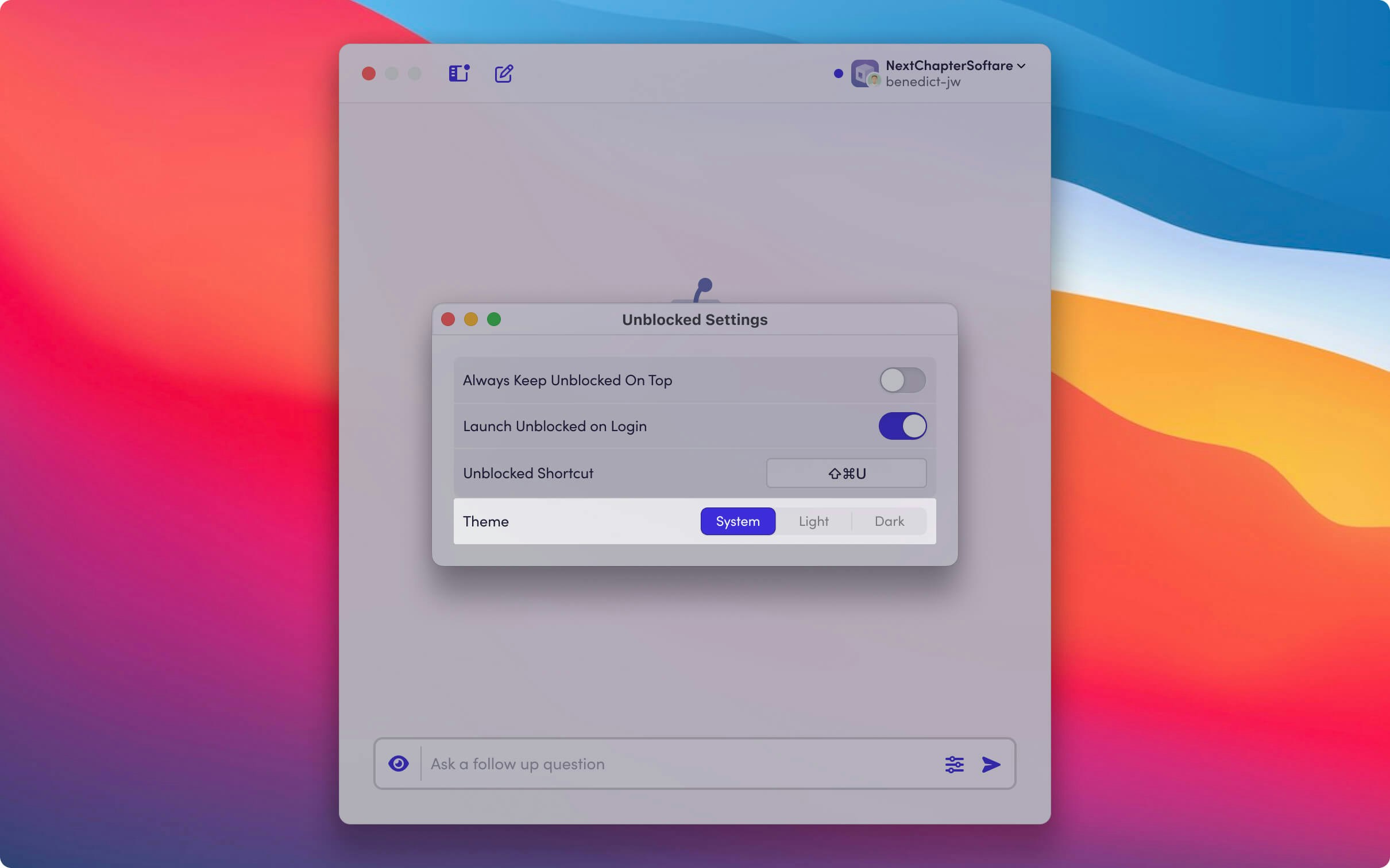
If you've [installed the Mac app](/using-unblocked/on-your-mac), click on your account name, then select **Settings**. From there, select your preferred theme.
## Mac App
If you've [installed the Mac app](/using-unblocked/on-your-mac), click on your account name, then select **Settings**. From there, select your preferred theme.