> ## Documentation Index
> Fetch the complete documentation index at: https://docs.getunblocked.com/llms.txt
> Use this file to discover all available pages before exploring further.
# Incognito Mode
> How to ask questions in private
To use Incognito Mode and ask questions privately, you need to be on the
Platform or Enterprise plan. You can view all the features of Unblocked's
plans on our [pricing page](https://www.getunblocked.com/pricing).
Incognito Mode provides complete privacy for your inquiries. Incognito Mode is enabled by default, which means Unblocked's answers are visible only to you. If you prefer your answers to be visible by your team by default, you can disable Incognito Mode.
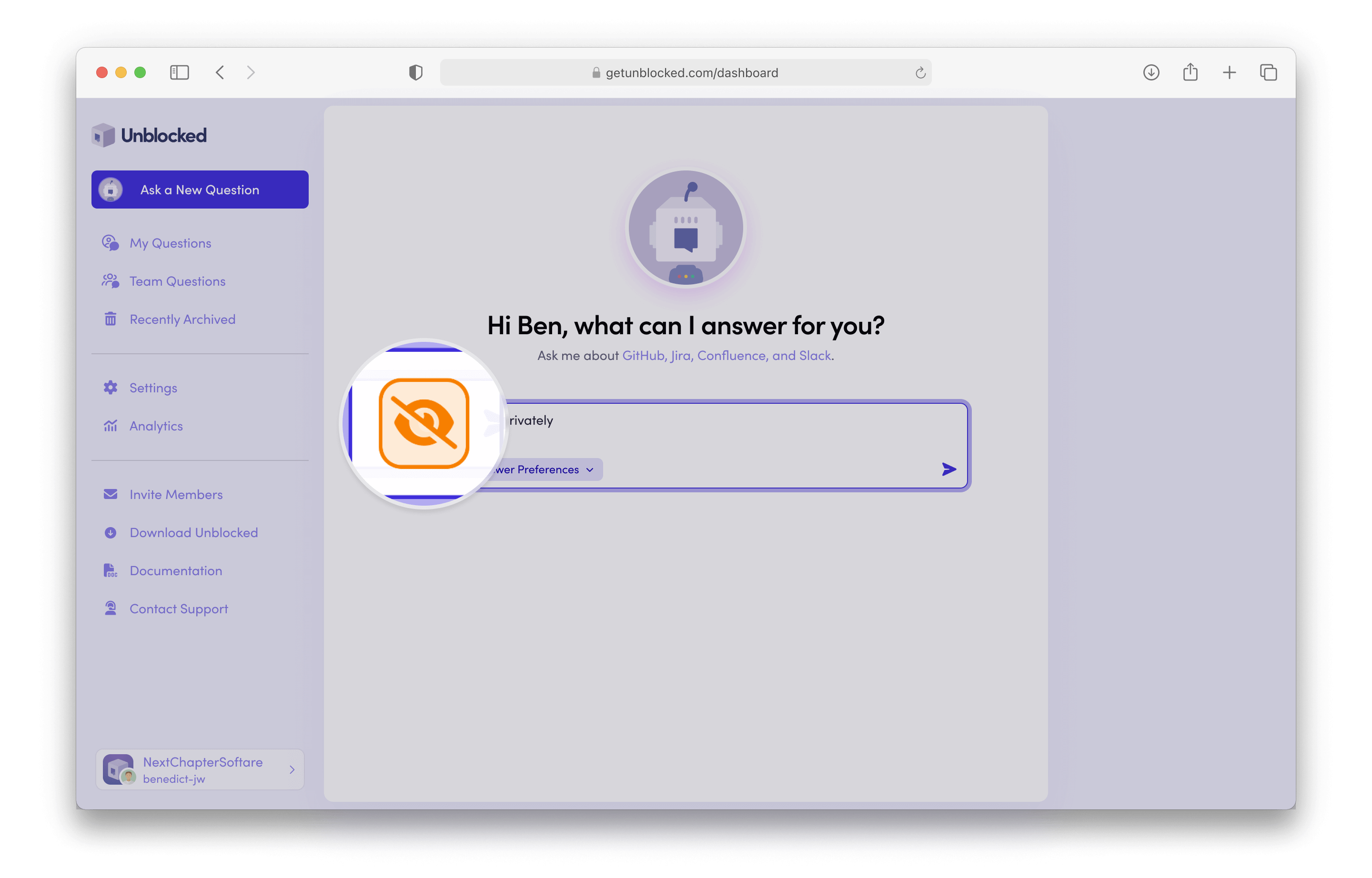
To turn Incognito Mode on and off, click the eye icon in the input field. When the icon is orange (enabled), Unblocked's answers will only be visible to you.
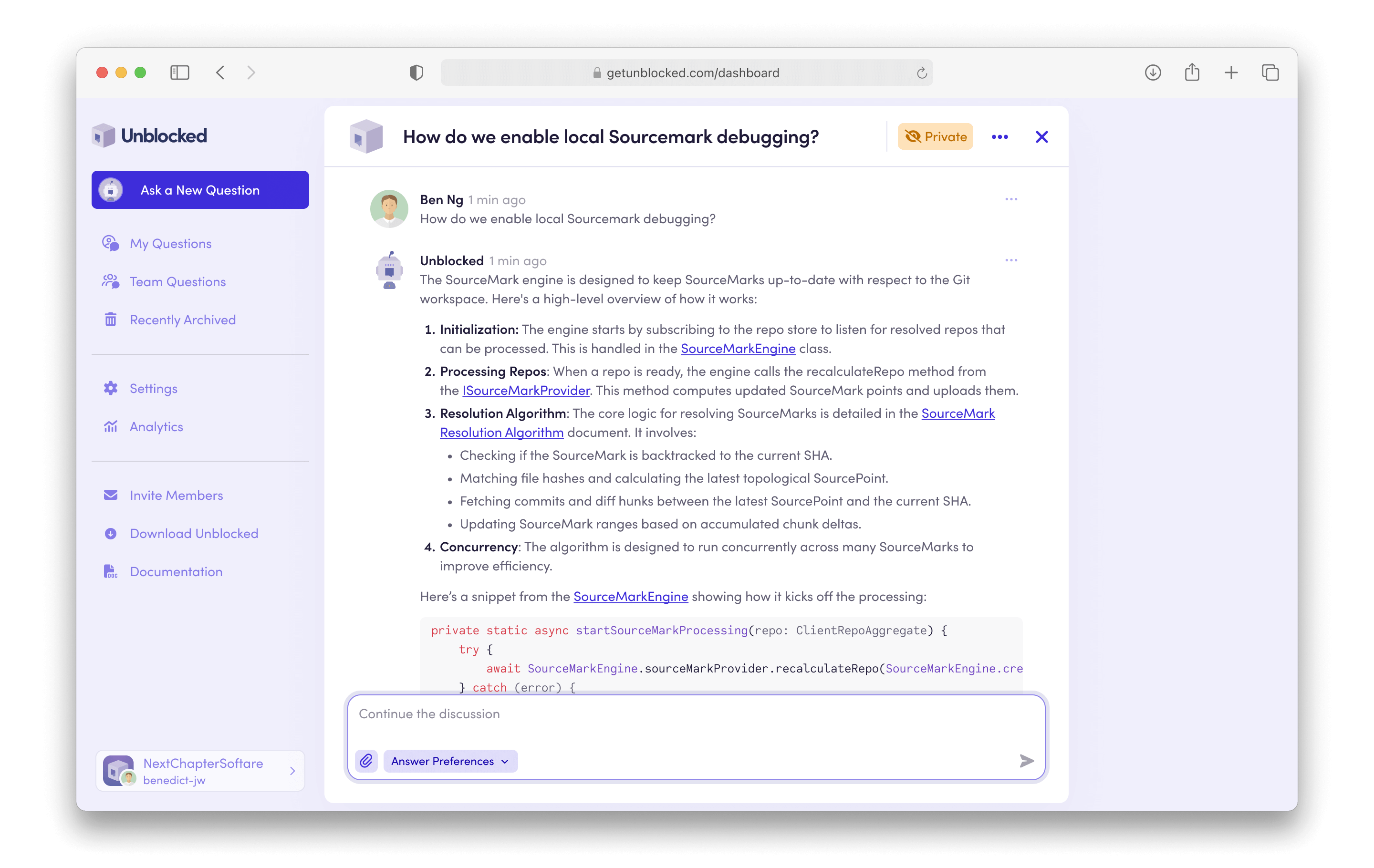
 If it turns out that the response isn't something you need to keep private, open the privacy settings menu by clicking **Private**, then select the **Public** option.
The answer can then be shared with other users on your team.
If it turns out that the response isn't something you need to keep private, open the privacy settings menu by clicking **Private**, then select the **Public** option.
The answer can then be shared with other users on your team.
 If your team has [Data Shield](/team-settings/data-shield) enabled, Incognito
Mode will always be on for every team member to ensure complete privacy for
all questions.
If your team has [Data Shield](/team-settings/data-shield) enabled, Incognito
Mode will always be on for every team member to ensure complete privacy for
all questions.