> ## Documentation Index
> Fetch the complete documentation index at: https://docs.getunblocked.com/llms.txt
> Use this file to discover all available pages before exploring further.
# Asking Questions
> How to get answers from Unblocked
The core experience of using Unblocked centers around asking questions. Once Unblocked has fully processed [your code](/connecting-source-code) and any [other data sources](/configuring-data-sources) you've given it access to, it will present you with a view like this:
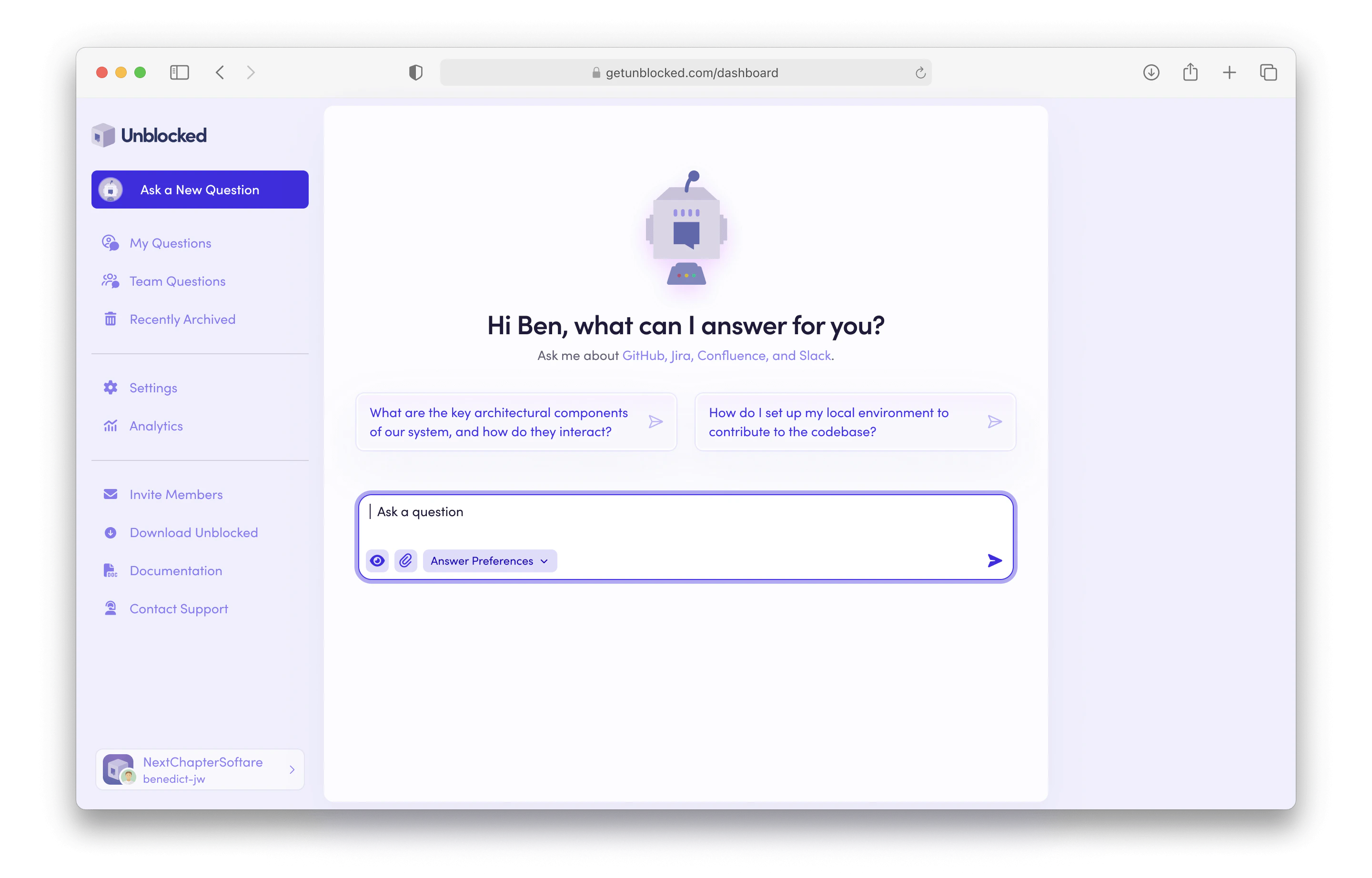 Whether you use one of the questions it suggests or come up with your own, Unblocked will formulate an answer to your question in real time.
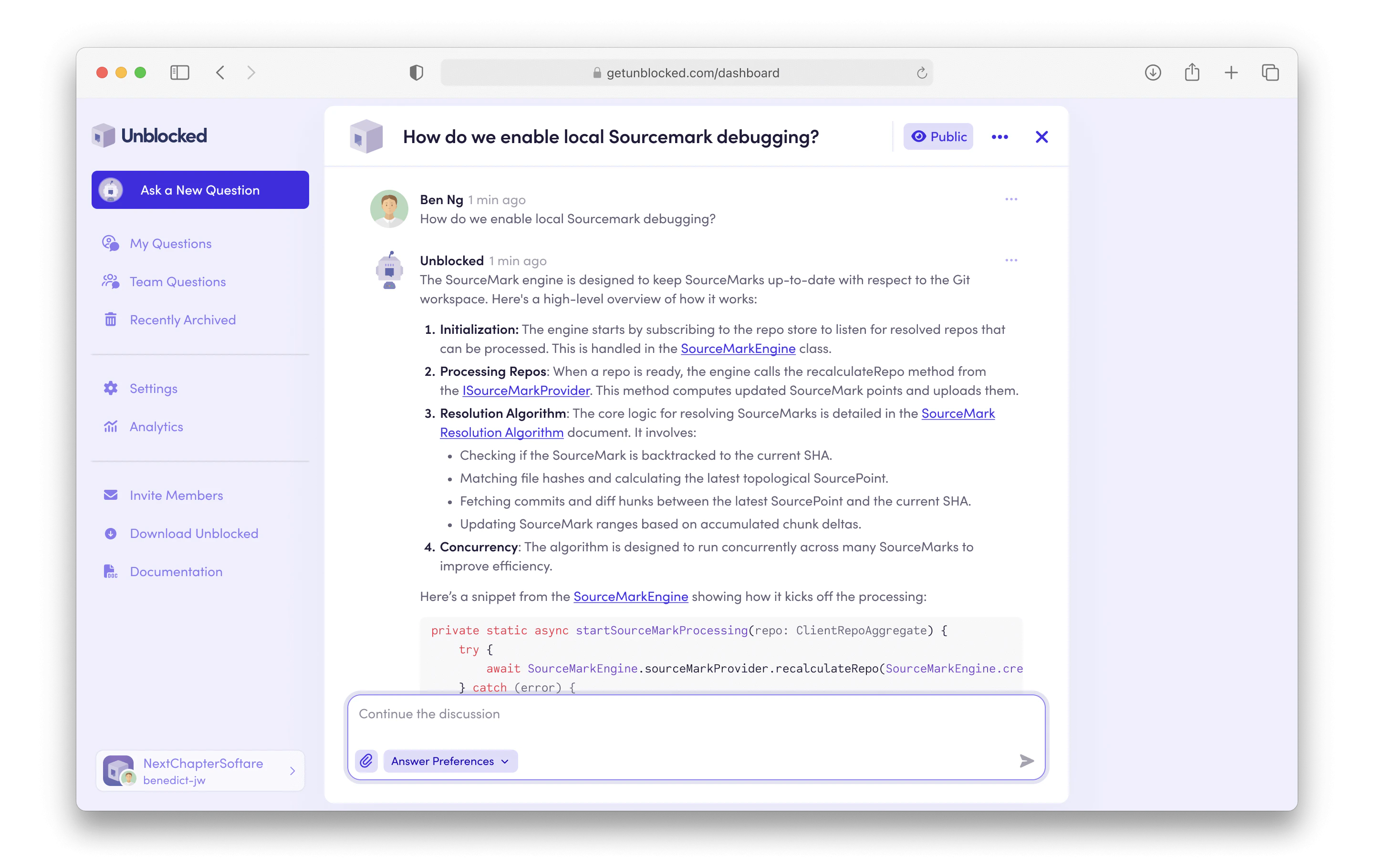 As Unblocked generates the answer to your question, any code snippets used in the response will be formatted properly for easier reading.
For tips on how to get the best possible answers from Unblocked, see the article on [example questions](/writing-questions).
As Unblocked generates the answer to your question, any code snippets used in the response will be formatted properly for easier reading.
For tips on how to get the best possible answers from Unblocked, see the article on [example questions](/writing-questions).