> ## Documentation Index
> Fetch the complete documentation index at: https://docs.getunblocked.com/llms.txt
> Use this file to discover all available pages before exploring further.
# Requesting a License
> How to request a license to use Unblocked
Admins have the option to [approve license requests either automatically or manually](/billing/managing-plan#managing-licenses). If your team is set up to manually approve new license requests, team members without a license can request one in the following ways:
### Requesting a license in the web and desktop apps
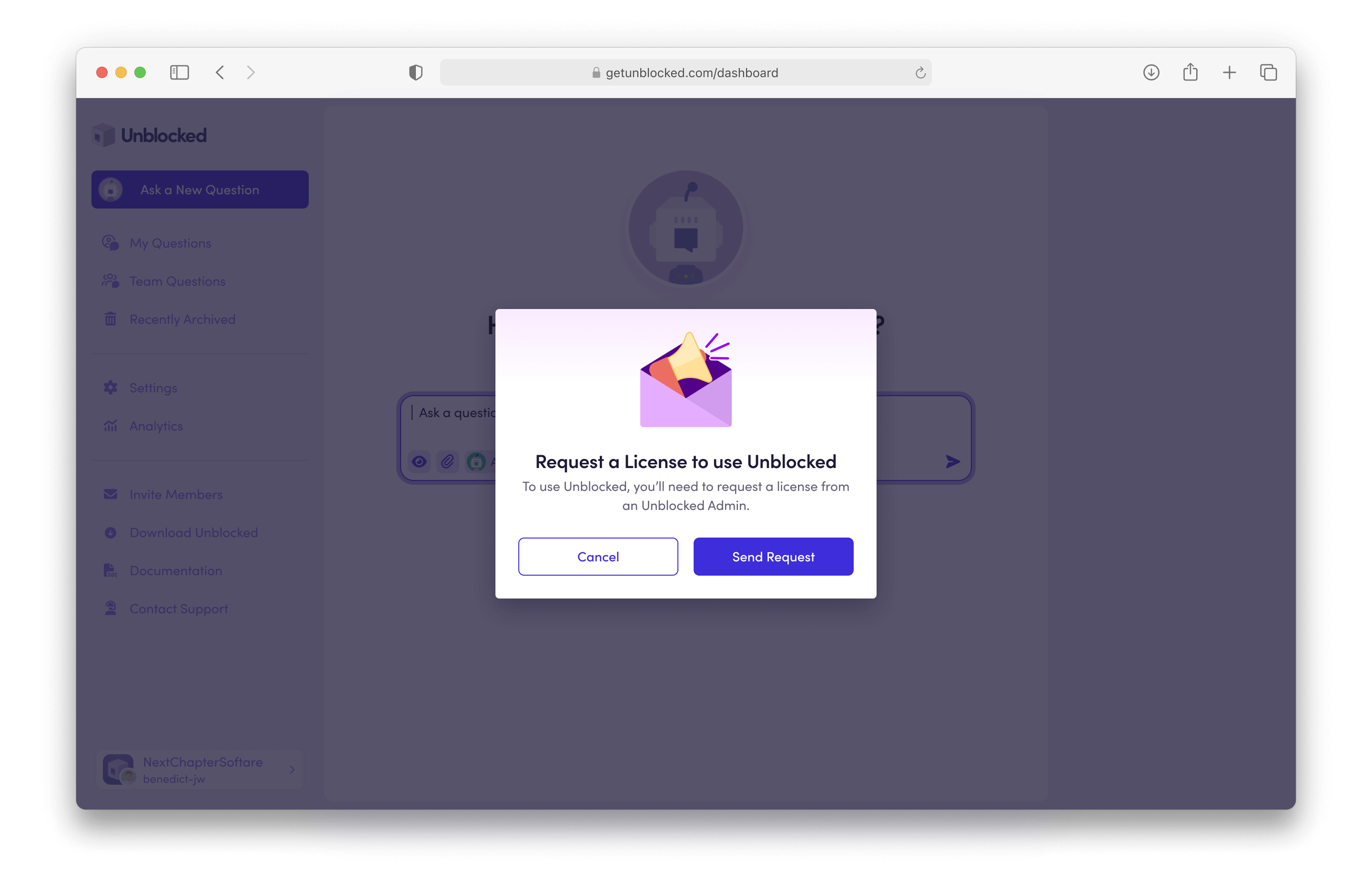
After signing in to the web app or Mac app, you can request a license by asking a question. You will be prompted to send a license request, which will notify all Unblocked admins.
 ### Requesting a license from a code review or CI failure agent report
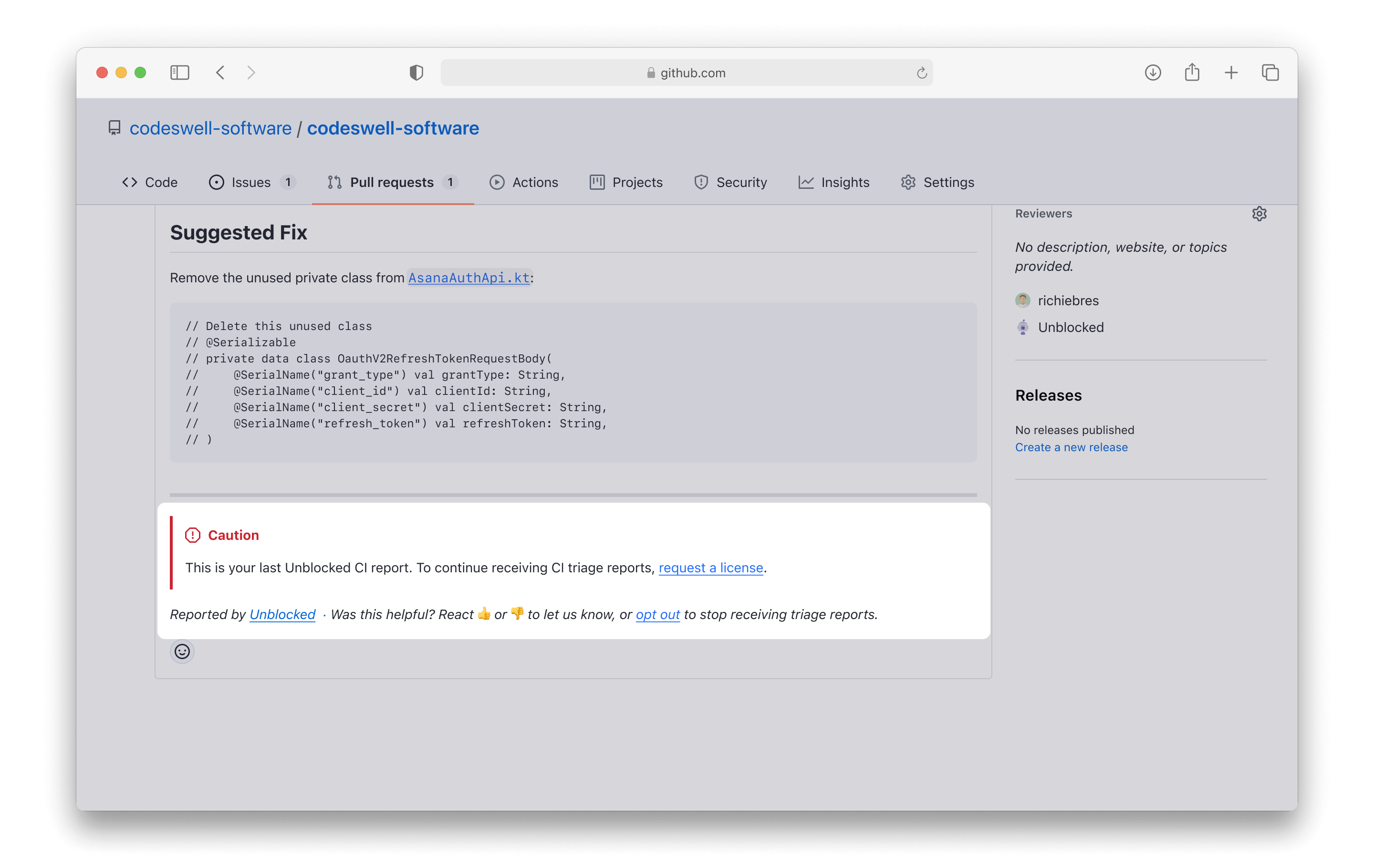
If your team has configured [Code Reviews](/code-review) and/or [Unblocked for CI](/unblocked-for-ci), you can also request a license directly from your pull requests. Team members receive 3 free CI reports. Once you've reached your free limit, you'll be asked to request a license. This will notify all Unblocked admins.
### Requesting a license from a code review or CI failure agent report
If your team has configured [Code Reviews](/code-review) and/or [Unblocked for CI](/unblocked-for-ci), you can also request a license directly from your pull requests. Team members receive 3 free CI reports. Once you've reached your free limit, you'll be asked to request a license. This will notify all Unblocked admins.