> ## Documentation Index
> Fetch the complete documentation index at: https://docs.getunblocked.com/llms.txt
> Use this file to discover all available pages before exploring further.
# Sentry
> Connecting Sentry to Unblocked
When you connect Sentry to Unblocked, Unblocked can reference issues, errors, and events from the Sentry projects you select when answering questions about production problems. Unblocked provides links back to the original Sentry issues for easy reference.
Self-hosted Sentry is not supported.
In the Unblocked sidebar, click **Settings**, then **Data Sources**, then **Connect another data source**. Scroll to the Incident Management section and select Sentry.
In Sentry, go to [User Auth Tokens](https://sentry.io/settings/account/api/auth-tokens/new-token/) and click **Create New Token**.
Select the following read-only scopes:
* `org:read`
* `project:read`
* `event:read`
Copy the token.
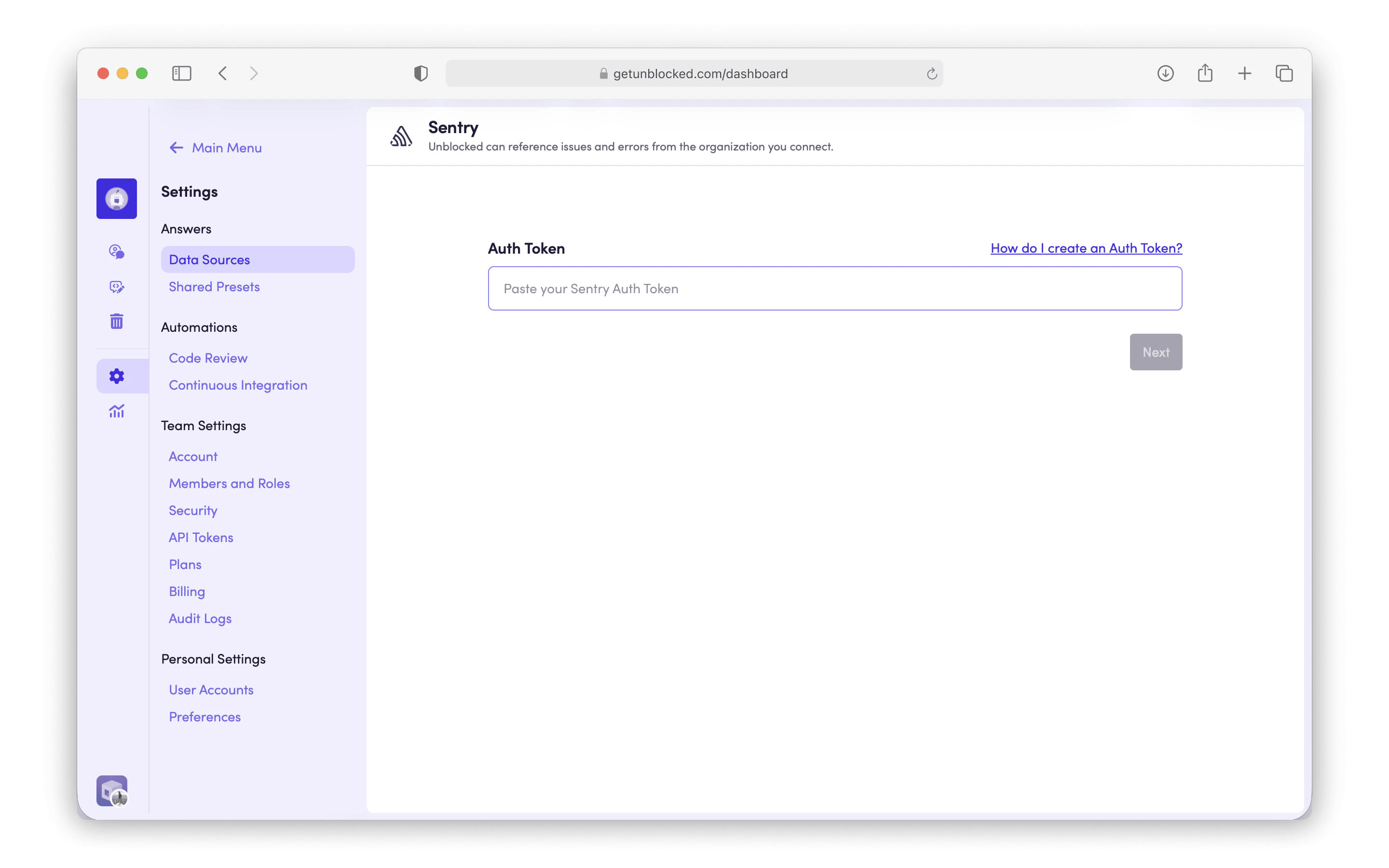
Paste the token into Unblocked, then click **Next**.
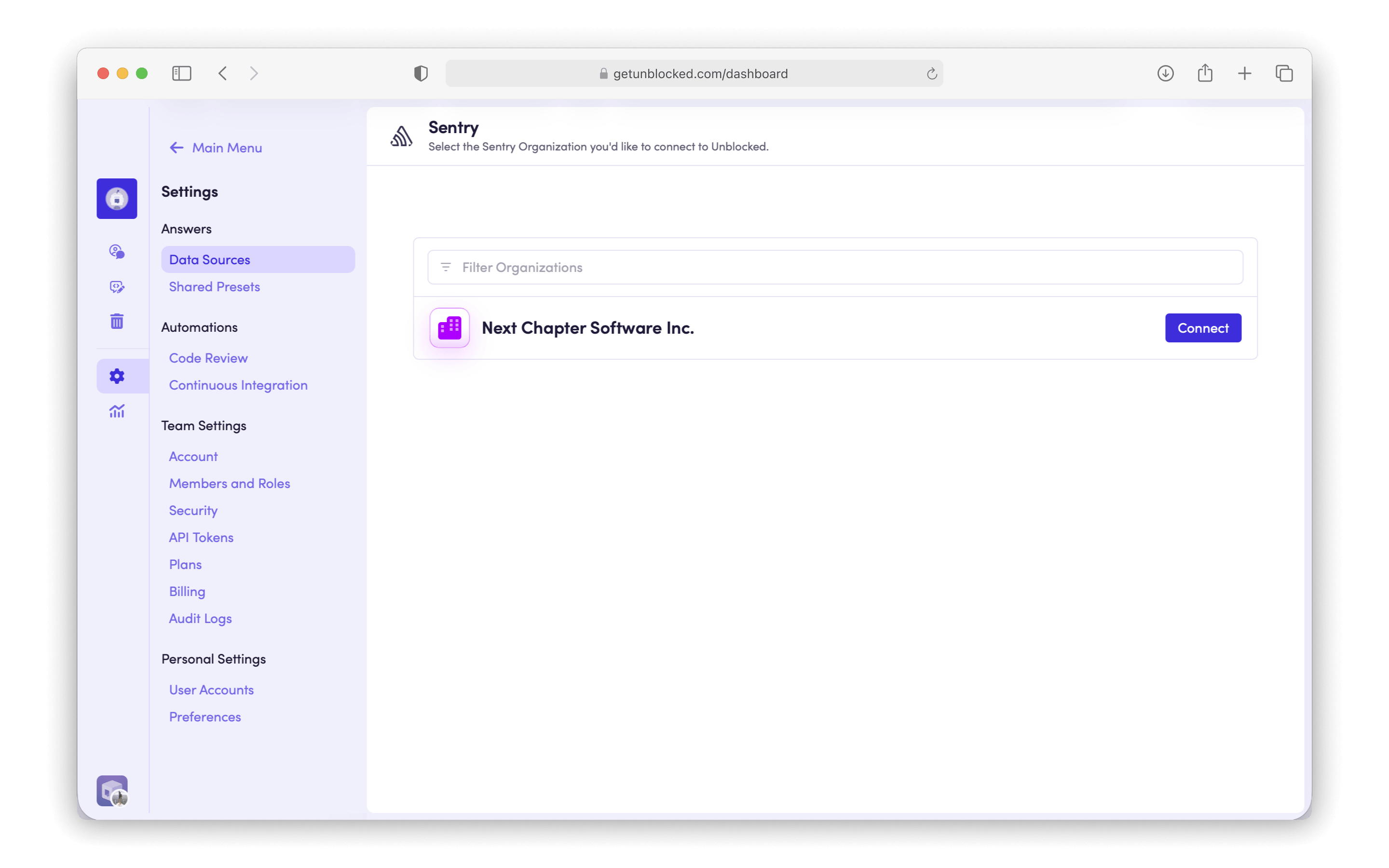
 Select the Sentry organization you'd like to connect to Unblocked, then click **Connect**.
 Select the projects you'd like Unblocked to index, then click **Save Settings**.
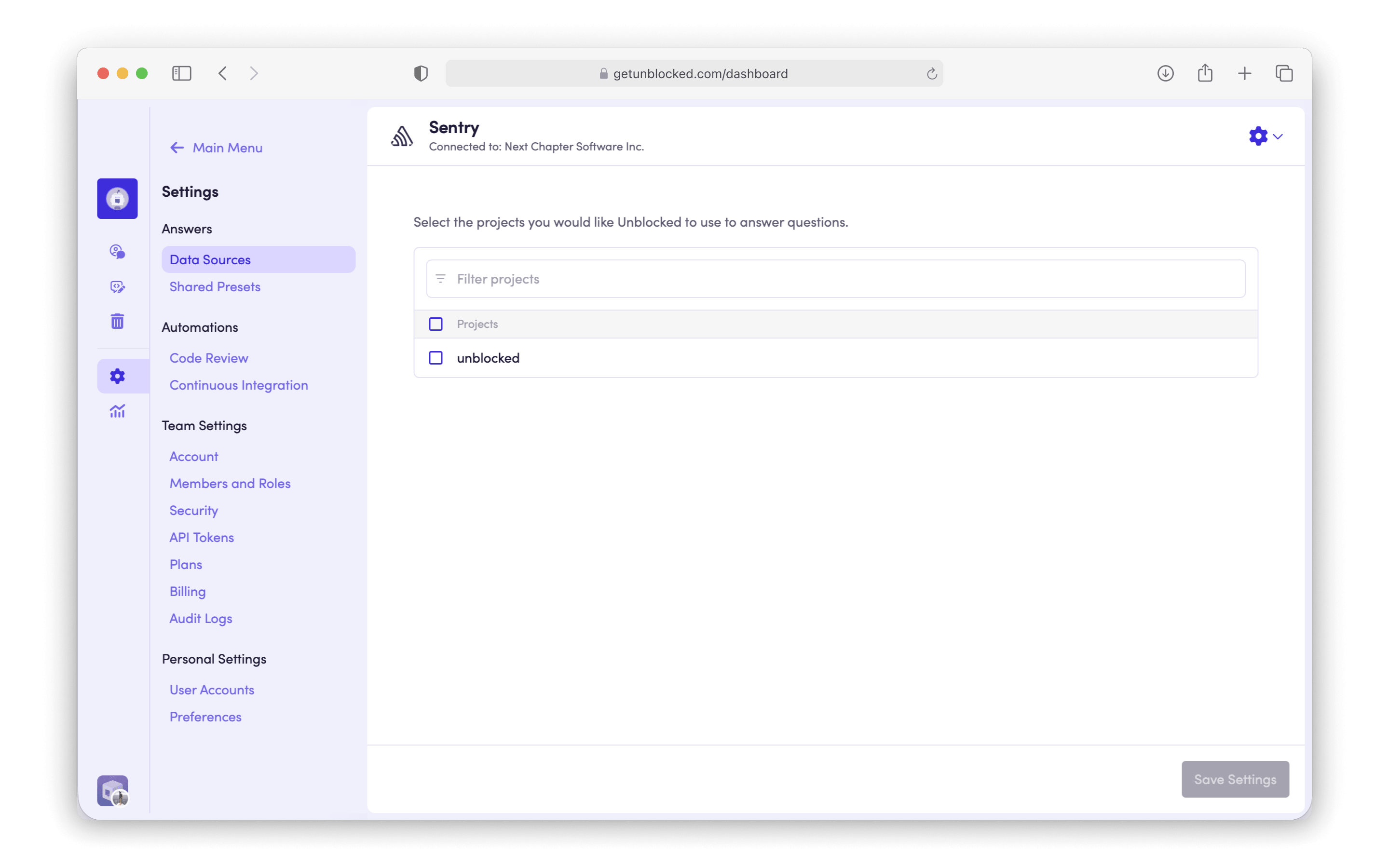 Unblocked will begin referencing your Sentry issues in its answers. You can change which projects are indexed at any time from **Settings** › **Data Sources** › **Sentry**.